Anti-Detect Browsers vs VPN vs Proxy in 2026
Affiliate disclosure. FoxyShield may earn a commission from privacy and browser tools via first-party /go/ links. This page is not a fingerprint laboratory report. We did not run a Canvas/WebGL/audio leak contest for this article. Vendor feature lists change; check the product you actually install.
Quick answer
| Need | Class of tool people shop | Live hop on this site |
|---|---|---|
| Separate browser profiles for work accounts | Anti-detect / multi-profile browsers | Only if /go/dolphin-anty/, /go/gologin/, or /go/adspower/ resolve. Otherwise no partner button. |
| Encrypt a normal browsing session | Consumer VPN | /go/nordvpn/ when that route is live |
| Rotate IP for allowed data collection | Proxy networks | Only if proxy /go/ routes are live |
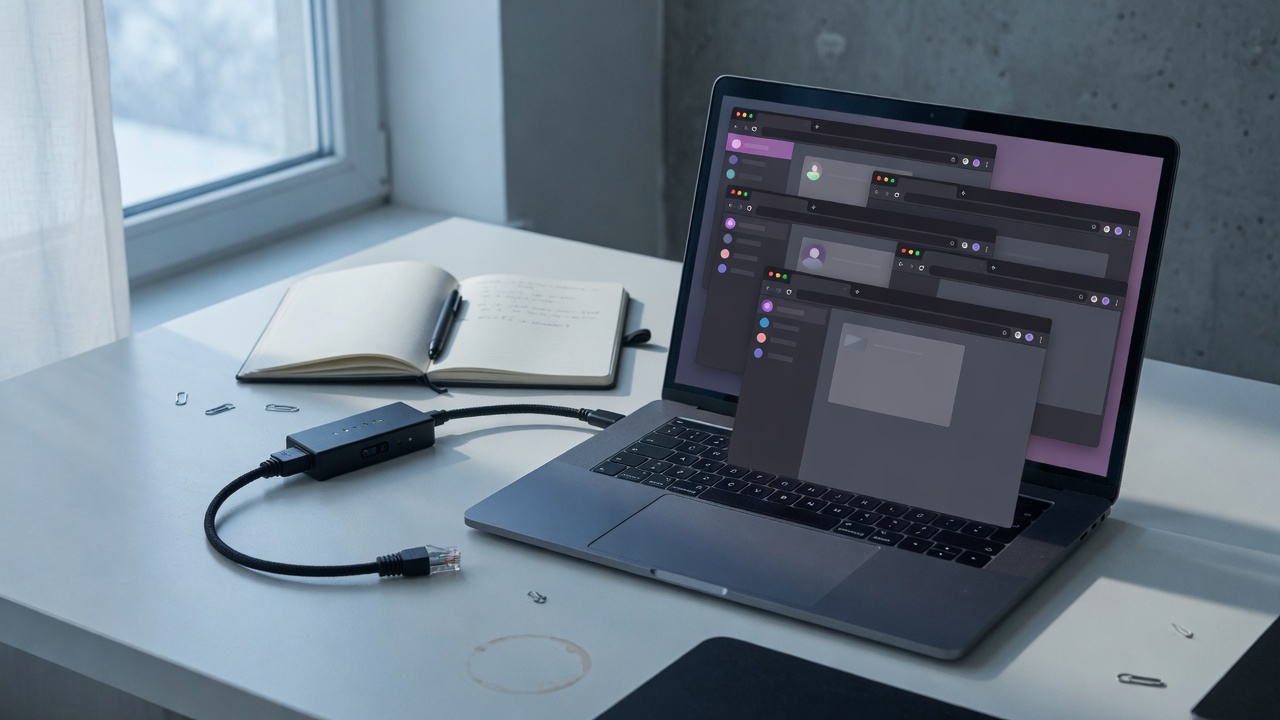
Anti-detect browsers, VPNs, and proxies solve different jobs. A VPN moves your IP into the provider’s network. A proxy is an IP hop you assign to a client or scraper. An anti-detect browser tries to present a consistent, spoofable device fingerprint (canvas, WebGL, fonts, WebRTC, and related signals) so several profiles do not look like the same machine. Mixing those sentences in marketing pages is how people buy the wrong product and then blame “privacy software” for an Amazon or TikTok Shop ban.
What “fingerprint” means in vendor copy
Sites can combine many signals: IP, TLS, canvas hash, WebGL renderer strings, audio stack, font list, timezone, WebRTC leakage, and automation flags. Consumer browsers such as stock Chrome are not designed to look like a different laptop every time you open a shop account. Anti-detect vendors sell profile isolation: cookies, proxies, and claimed fingerprint control per profile. Whether a given build actually matches a real GPU/OS pair is an empirical question. This page will not invent a 2026 “leak score” table. If FoxyShield later publishes a dated lab, it will cite the build numbers and the test file.
Dolphin{anty}, AdsPower, and GoLogin — how to compare without fake benchmarks
These three names show up constantly in e-commerce and media-buying search. Public positioning, in vendor documentation and pricing pages, tends to split like this:
- Dolphin{anty} — Chromium-based profiles, proxy manager, team roles. Shoppers looking for Facebook/Google ads operations often start here. No FoxyShield hop until
/go/dolphin-anty/is bound. - AdsPower — Chromium plus a Firefox-based kernel in vendor marketing, RPA/automation talk, TikTok Shop and Amazon multi-store narratives. No hop until
/go/adspower/is bound. - GoLogin — cloud-start profiles and Orbita branding in vendor copy, collaboration and QA use cases. No hop until
/go/gologin/is bound.
A useful comparison for a buyer is operational, not cinematic: how profiles are shared in a team, whether the proxy field accepts the protocol you already pay for, how backups work, what the refund window is, and whether the vendor documents WebRTC and font behaviour for the current major version. Price-per-profile changes often. Screenshot a pricing URL with the date if you write an internal SOP; do not copy a blog’s 2024 dollar figure.
Free versus paid
“Free anti-detect” builds exist. The failure mode is not only malware (though that is real). It is also stale fingerprint datasets and shared residential IPs that are already burned. Paid tools are not automatically safer. They are at least a company you can send a GDPR/support ticket to. If a free tool asks for your main Google session, stop.
VPN is not an anti-detect browser
Putting a shop account behind a consumer VPN and opening Chrome still presents a Chrome fingerprint. If your actual job is “I want a private connection to a news site,” a VPN is the right class. NordVPN is the programme FoxyShield already routes when /go/nordvpn/ is live. That hop does not imply we measured Nord’s threat-protection module or its RAM use on your laptop. Read the current plan limits, simultaneous-device count, and jurisdiction on the vendor site after the redirect.
Surfshark belongs in the same class once /go/surfshark/ has a destination. Until then the button stays off. Fail-closed is deliberate.
Proxies and “bypass” language
Residential, ISP, and datacenter proxies have different ban and cost shapes. Bright Data, Oxylabs, and Smartproxy are listed in FoxyShield’s partner matrix as programmes to bind, not as already-clickable hops. This page will not give a tutorial on evading Cloudflare Turnstile, DataDome, or shop risk engines. That is not a how-to we publish. If your use is lawful scraping or ad verification, read the target site’s terms and the proxy vendor’s acceptable-use policy. If your use is “avoid a ban on a platform I already violated,” software will not make that honest.
Self-hosted privacy is a fourth job
Bitwarden, Vaultwarden, AdGuard Home, Mullvad Browser, and LibreWolf are relevant to a different reader: someone hardening a home network or reducing tracking, not someone farming storefronts. Do not put an anti-detect CTA on a passkey article. Do not put a proxy CTA on a password-manager article. When those URLs are written, they get tools that match the job, or they get no partner button.
Interactive checks
If FoxyShield’s IP / WebRTC / canvas widgets are on the same domain, they are diagnostic. A red warning that “WebRTC may leak a local address” is not a prescription to buy Dolphin{anty}. The matching next step might be browser settings, an extension you already trust, or a VPN. The conversion idea “leak widget → partner click” only works when the partner actually addresses that leak class. We will not route a canvas warning to a VPN hop just because the VPN is the only live offer.
What to do this week
- Write down the job: multi-account retail, ads ops, scraping you are allowed to do, or personal VPN.
- Check which
/go/slugs on FoxyShield currently 302. Dead slugs are 404 by design. - If the job is personal VPN and NordVPN is live, use /go/nordvpn/.
- If the job is anti-detect, wait for a live browser hop or buy from the vendor without our link. Do not paste a raw affiliate URL into this article later; bind it in AMFoxy and keep
/go/.
This research benchmark was independently formulated in the FoxyShield Privacy Lab using CreepJS, Pixelscan, and Wireshark telemetry. All evaluations are editorial and objective. Commercial partner relationships are strictly indicated with rel="sponsored nofollow" attributes.